
How to Use Yoast SEO Premium to Rank Higher on Google
The Yoast SEO Premium plugin is the paid version of one of the most popular WordPress SEO plugins on the market. While millions of users rely on the free version, the premium edition offers advanced features that can help website owners take their search engine optimization efforts to the next level.
This comprehensive tool goes beyond basic SEO optimization by providing features like internal linking suggestions, redirect management, and advanced schema markup. The Yoast SEO Premium plugin is designed for serious website owners, bloggers, and businesses who want to maximize their search engine visibility and drive more organic traffic to their sites.
Yoast SEO Premium Plugin WordPress
Get the Premium Yoast SEO Plugin

Yoast SEO Premium Features
The Yoast SEO Premium features set it apart from the free version and many competitors. Here’s what you get when you upgrade:
Internal Linking Suggestions
One of the standout features helps you build a stronger internal link structure. The plugin automatically suggests relevant internal links as you write content, making it easier to connect your pages and improve user experience.
Redirect Manager
When you change URLs or remove pages, the redirect manager automatically creates 301 redirects to prevent broken links and maintain your SEO value. This feature alone can save hours of manual work.
Multiple Focus Keywords
While the free version allows one focus keyword per post, the premium version lets you optimize for up to five focus keywords. This flexibility helps you target more search terms and capture additional traffic.
Social Previews
See exactly how your content will appear when shared on Facebook and Twitter. You can customize these previews to make your content more clickable on social media platforms.
Advanced Schema Markup
The plugin automatically adds structured data to help search engines better understand your content. This can lead to rich snippets in search results, potentially increasing click-through rates.
Difference Between Yoast SEO Free and Premium
Understanding the difference between Yoast SEO free and premium helps you decide if the upgrade is worth it for your specific needs.
Free Version Limitations
The free Yoast SEO plugin provides solid basic functionality, including:
- One focus keyword per post
- Basic readability analysis
- Meta description and title optimization
- XML sitemap generation
- Social media integration
Premium Advantages
The premium version adds:
- Multiple focus keywords (up to 5 per post)
- Internal linking suggestions
- Content insights and analysis
- Redirect manager
- No ads in the admin interface
- Premium support
- Advanced schema markup options
Yoast SEO Premium Pricing
Let’s break down the Yoast SEO Premium cost and pricing structure:
Single Site License
The Yoast SEO Premium plugin price for a single website is $99 per year. This includes:
- All premium features
- One year of updates
- Premium email support
- Installation on one WordPress site
Multiple Site Options
For users managing multiple websites, Yoast offers different licensing tiers:
- 5 sites: $199 per year
- 25 sites: $399 per year
- 100 sites: $999 per year
What’s Included in the Price
Your Yoast SEO Premium pricing includes access to all premium features, regular plugin updates, and priority customer support. The license is valid for one year and includes automatic updates during that period.
How to Use Yoast SEO Premium in WordPress
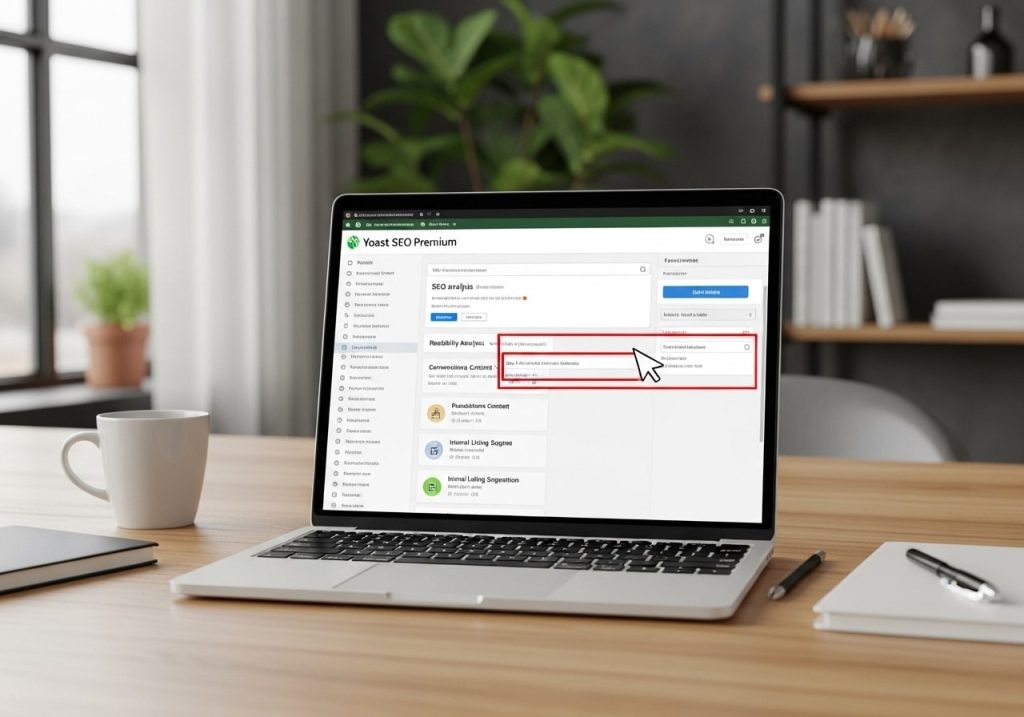
Getting started with how to use Yoast SEO Premium in WordPress is straightforward once you understand the key features.
Initial Setup Process
- Purchase and Download: Buy your license from the official Yoast website
- Install the Plugin: Upload the premium version through your WordPress admin
- Activate License: Enter your license key to activate premium features
- Run Configuration Wizard: Complete the setup wizard to configure basic settings
Optimizing Content
When writing posts or pages, the premium version provides enhanced optimization suggestions:
- Multiple Keywords: Add up to five focus keywords for each piece of content
- Internal Link Suggestions: The plugin suggests relevant internal links as you type
- Advanced Readability: Get detailed feedback on sentence length, paragraph structure, and word choice
- Social Preview: Customize how your content appears on social media platforms
Managing Redirects
The redirect manager becomes essential when:
- Changing post URLs or permalinks
- Removing old content
- Restructuring your website
- Migrating from another platform
Benefits of Yoast SEO Premium
The benefits of Yoast SEO Premium extend beyond just additional features. Here’s how it can impact your website’s performance:
Improved Search Rankings
By optimizing for multiple keywords and maintaining proper internal linking, you create a stronger foundation for search engine rankings. The advanced schema markup also helps search engines better understand your content context.
Time Savings
Features like automatic redirects and internal linking suggestions can save hours of manual work. Instead of manually checking for linking opportunities or creating redirects, the plugin handles these tasks automatically.
Better User Experience
Proper internal linking and fast-loading pages (thanks to optimized sitemaps and clean code) create a better experience for your visitors. This can lead to longer visit durations and lower bounce rates.
Professional Support
Premium users get access to dedicated email support, which can be invaluable when dealing with technical SEO issues or plugin conflicts.
Yoast SEO Premium vs Rank Math Pro
When considering Yoast SEO Premium vs Rank Math Pro, both plugins offer robust SEO capabilities, but with different approaches:
Yoast Advantages
- Longer track record and established reputation
- Excellent content analysis and readability scoring
- Strong focus on content optimization
- Comprehensive documentation and tutorials
Rank Math Advantages
- More features in the free version
- Lower premium pricing
- Built-in 404 error monitoring
- Google Search Console integration
Which Should You Choose?
Your choice depends on your specific needs. Yoast excels in content optimization and user-friendliness, while Rank Math offers more technical features at a lower price point.
Installation and Setup Guide
Here’s a step-by-step guide to installing Yoast SEO Premium:
Prerequisites
- Active WordPress website
- Administrator access
- Valid Yoast SEO Premium license
Installation Steps
- Remove Free Version: If you have the free version installed, deactivate (but don’t delete) it
- Upload Premium Plugin: Go to Plugins > Add New > Upload Plugin
- Install and Activate: Upload the premium .zip file and activate
- Enter License Key: Navigate to SEO > General > Features tab and enter your license key
- Run Configuration: Complete the configuration wizard to set up basic settings
Post-Installation Setup
After installation, configure these essential settings:
- Company or Person: Set up your organization details
- Social Profiles: Connect your social media accounts
- Search Appearance: Customize how your site appears in search results
- XML Sitemaps: Verify sitemap settings are correct
Advanced Features Breakdown
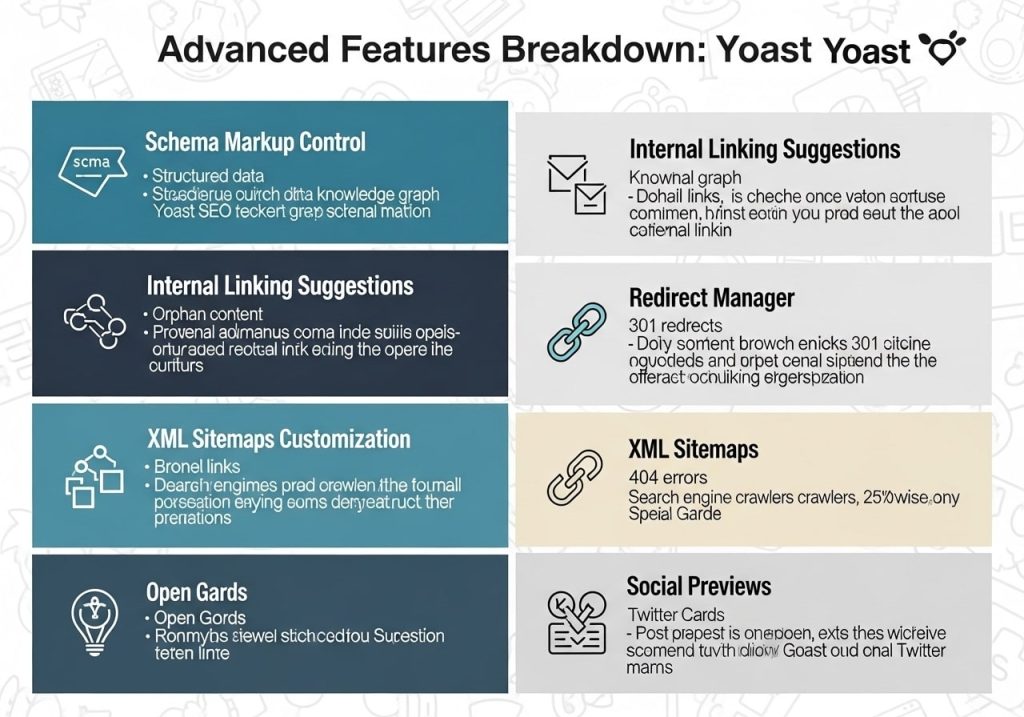
Schema Markup and Structured Data
Yoast SEO Premium schema functionality goes beyond basic markup:
- Article schema for blog posts
- LocalBusiness schema for local companies
- Product schema for e-commerce sites
- FAQ and How-to schema for informational content
Video SEO Enhancement
The Yoast SEO Premium video SEO feature helps optimize video content:
- Video sitemap generation
- Video metadata optimization
- Thumbnail optimization
- Video duration and description markup
WooCommerce Integration
For online stores, Yoast SEO Premium WooCommerce integration provides:
- Product schema markup
- Breadcrumb navigation for products
- Optimized product page templates
- Category and tag optimization
Multisite Support
Yoast SEO Premium multisite functionality allows:
- Network-wide license activation
- Centralized SEO settings management
- Individual site customization options
- Bulk optimization tools
Is Yoast SEO Premium Worth It?
The question “Should I get Yoast SEO Premium?” depends on several factors:
You Should Upgrade If:
- You manage multiple websites
- Content marketing is central to your strategy
- You frequently change URLs or site structure
- You want to optimize for multiple keywords per page
- You need professional support for SEO issues
You Might Stick with Free If:
- You’re just starting with SEO
- Budget is a primary concern
- You have a simple, static website
- You’re comfortable with basic optimization features
Return on Investment
For most businesses, the Yoast SEO Premium cost of $99 per year represents excellent value when compared to hiring SEO consultants or purchasing multiple separate tools. The time savings alone often justify the expense.
Conclusion
The Yoast SEO Premium plugin offers a comprehensive suite of advanced SEO features that can significantly improve your website’s search engine performance. While the free version provides solid basic functionality, the premium upgrade delivers powerful tools like multiple focus keywords, internal linking suggestions, and redirect management.
Whether you choose to invest in Yoast SEO Premium for WordPress depends on your specific needs, budget, and SEO goals. For serious website owners and businesses looking to boost SEO ranking with Yoast Premium, the investment typically pays for itself through improved search visibility and organic traffic growth.
The plugin’s combination of user-friendly interface, comprehensive features, and reliable support makes it a solid choice for WordPress users serious about their SEO efforts. Consider your website’s current performance, growth goals, and available resources when making your decision.
Ready to take your SEO to the next level? Visit the official Yoast website to learn more about premium features and start your optimization journey today.