
Directories Pro – List, Manage & Explore Directories
Creating a professional directory website has never been easier, thanks to the powerful Directories Pro Plugin. Whether you’re building a business directory, real estate listings, or any type of classified site, this WordPress directory plugin offers everything you need to get started quickly and efficiently.
Directories Pro Premium Plugin WordPress
Get the Premium Directories Pro Plugin
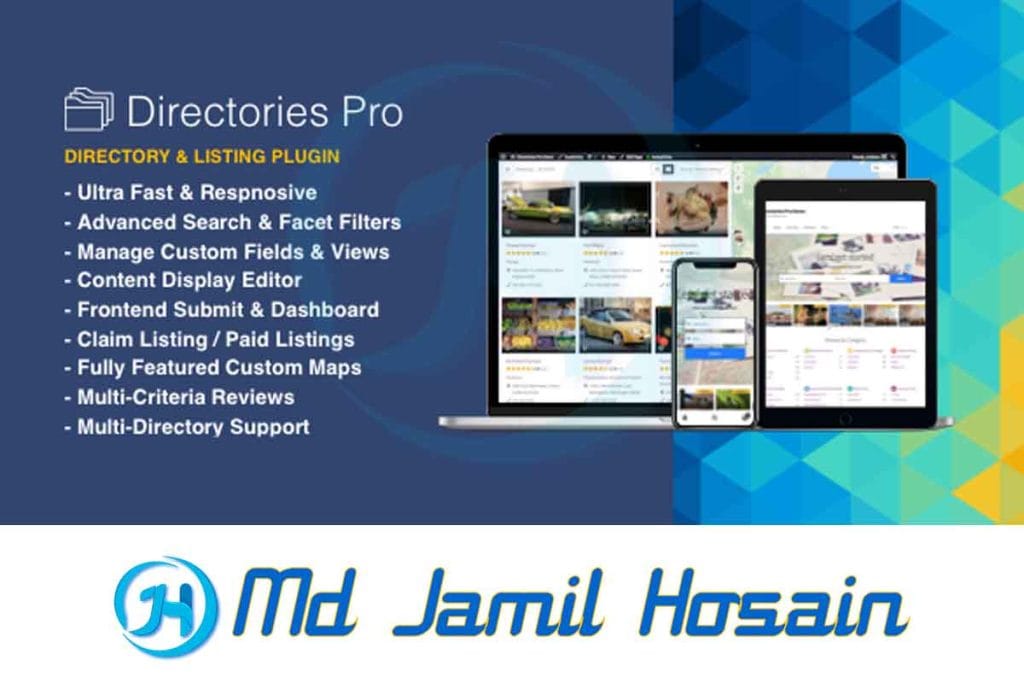
What is the Directories Pro Plugin?
The Directories Pro Plugin is a comprehensive WordPress solution designed to help website owners create any type of directory or listing website. Unlike basic listing plugins, this tool provides advanced features that make it suitable for both simple directories and complex marketplace websites.
This directory’s WordPress plugin stands out because it’s built with flexibility in mind. You can create business directories, job boards, event listings, real estate portals, or even review sites without needing extensive coding knowledge.
Core Functionality
The plugin works by allowing you to create custom content types with specific fields. For example, if you’re building a restaurant directory, you can add fields for cuisine type, price range, opening hours, and location. The system then displays these listings in an organized, searchable format that visitors can easily browse.
Key Features and Benefits
Advanced Field Types
The Directories Pro Plugin supports numerous field types, including:
- Text and textarea fields
- Image and file uploads
- Date and time pickers
- Location fields with maps
- Rating and review systems
- Dropdown menus and checkboxes
- Number fields with ranges
Frontend Submission System
One of the most valuable features is the frontend submission system. This allows visitors to submit their own listings directly from your website’s frontend, complete with payment processing if you choose to monetize submissions.
Search and Filter Options
The plugin includes powerful search and filtering capabilities. Users can search by keywords, categories, locations, custom fields, and more. The advanced filtering system helps visitors find exactly what they’re looking for quickly.
Mobile-Responsive Design
All directory layouts are fully responsive, ensuring your listings look great on desktop computers, tablets, and mobile devices. This is crucial since many users browse directories on their phones.
Getting Started: Download and Installation
Official Download Process
The directories pro plugin download process is straightforward when you purchase from the official website. After completing your purchase, you’ll receive access to your account dashboard, where you can download the plugin files.
Installation Steps
- Log in to your WordPress admin area
- Navigate to Plugins > Add New
- Click “Upload Plugin”
- Select the downloaded zip file
- Click “Install Now” and then “Activate.”
Initial Configuration
After activation, the plugin will guide you through the initial setup process. This includes creating your first directory bundle and configuring basic settings like currencies, measurement units, and default locations.
Directories Pro Documentation Overview
The Directories Pro documentation is extensive and well-organized. It covers everything from basic installation to advanced customization techniques. The documentation includes:
Getting Started Guides
These guides walk you through creating your first directory step-by-step. They’re perfect for beginners who want to get up and running quickly.
Advanced Configuration
For users who want to customize their directories further, the documentation includes detailed explanations of all settings and options available.
Developer Resources
If you’re a developer or have coding knowledge, the documentation includes hooks, filters, and API information for advanced customizations.
Video Tutorials
Many sections include video tutorials that show you exactly how to perform specific tasks within the plugin interface.
Essential Directories Pro Shortcodes
Directories Pro shortcodes make it easy to display directory content anywhere on your website. Here are the most commonly used shortcodes:
Basic Display Shortcodes
[drts-entity-display]– Displays a single entity[drts-entity-query]– Shows a list of entities with filtering options[drts-entity-form]– Displays submission or edit forms[drts-entity-search]– Shows search forms
Advanced Shortcode Options
Each shortcode accepts various parameters to customize the display. For example, you can limit the number of results, specify categories, or change the layout style.
Embedding Maps
The map shortcode allows you to display location-based listings on interactive maps. This is particularly useful for local business directories or real estate listings.
Setting Up Your First Directory
Planning Your Directory Structure
Before diving into the technical setup, plan your directory structure. Consider:
- What types of listings will you have?
- What information do you need to collect?
- How will users search and filter results?
- Will you charge for submissions?
Creating Entity Bundles
Entity bundles are like content types in WordPress. Each bundle represents a different type of listing. For a business directory, you might create bundles for restaurants, shops, and services.
Configuring Fields
After creating your bundle, add the fields you need. The plugin offers many field types, and you can make fields required, set default values, and configure validation rules.
Setting Up Categories and Tags
Organize your listings with categories and tags. This helps users find relevant content and improves your site’s SEO performance.
Customization Options
Theme Integration
The Directories Pro Plugin works with any WordPress theme. However, some themes offer better integration than others. The plugin includes several display templates that you can customize to match your site’s design.
Custom CSS and Styling
You can add custom CSS to modify the appearance of your directory listings. The plugin generates specific CSS classes that make targeting elements easy.
Layout Options
Choose from various layout options, including:
- Grid layouts with image thumbnails
- List layouts with detailed information
- Map-based layouts showing locations
- Masonry layouts for varied content sizes
Directories Pro vs Other WordPress Directory Plugins
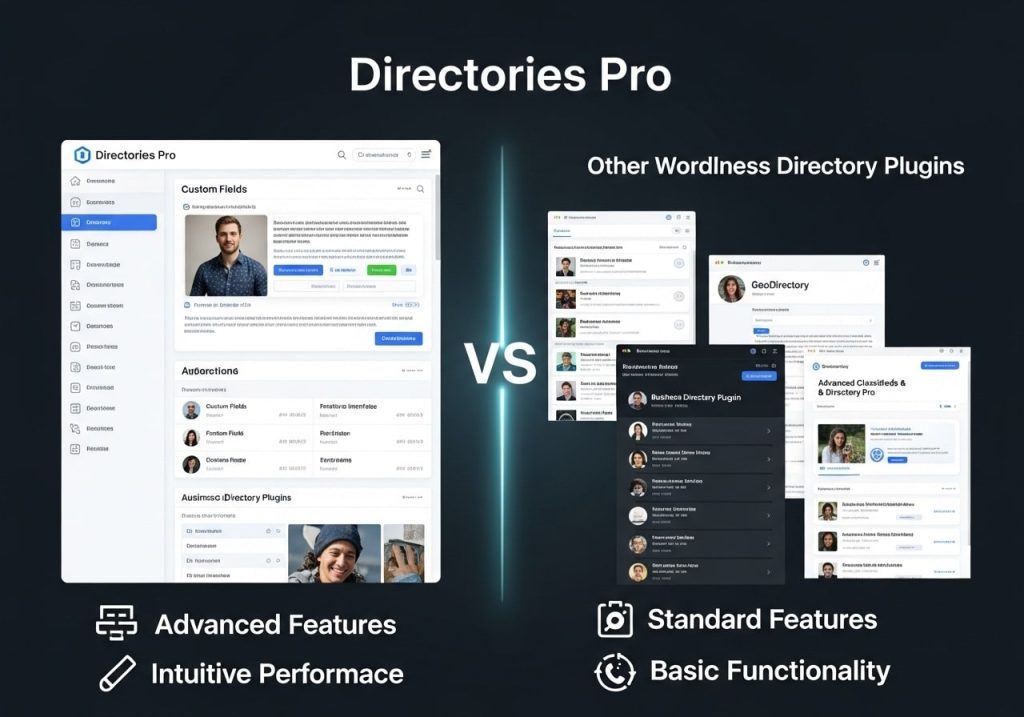
Comparison with Free Alternatives
While there are free directory plugins available, the Directories Pro Plugin offers significantly more features and flexibility. Free plugins often lack frontend submission capabilities, advanced search options, and customization features.
Premium Plugin Comparisons
Compared to other premium directories WordPress plugins, Directories Pro stands out for its flexibility and extensive feature set. It’s particularly strong in areas like custom field creation and frontend user management.
Performance Considerations
The plugin is optimized for performance, with efficient database queries and caching options. This ensures your directory remains fast even with thousands of listings.
Troubleshooting Common Issues
Installation Problems
If you encounter issues during the directories pro plugin download or installation process, common solutions include:
Checking file permissions
Verifying PHP version compatibility
Ensuring adequate server memory
Display Issues
Sometimes listings don’t display correctly due to theme conflicts or CSS issues. The documentation provides solutions for common display problems.
Search Functionality
If search features aren’t working properly, check your permalink settings and ensure the necessary database tables were created during installation.
Updates and Changelog Information
Staying Updated
Regular updates ensure your directories plugin remains secure and compatible with the latest WordPress versions. The plugin includes an automatic update system for license holders.
Directories Pro Change Log
The directories pro change log details all improvements, bug fixes, and new features in each release. This information helps you understand what’s new and plan any necessary adjustments to your site.
Backup Before Updates
Always back up your website before updating the plugin. While updates are generally smooth, having a backup ensures you can restore your site if anything goes wrong.
Pricing and Free Options
Understanding Licensing
The Directories Pro Plugin uses a licensing system based on the number of sites where you’ll use it. Different license levels offer different benefits and support options.
Free Trial Considerations
While there isn’t a traditional directory’s pro plugin free download, the developers occasionally offer trial periods or money-back guarantees that let you test the plugin risk-free.
Value for Money
When considering the directories pro plugin free alternatives versus the premium version, factor in the time saved, features included, and ongoing support provided with the premium license.
Budget-Friendly Approaches
If budget is a concern, start with a single-site license and upgrade as your needs grow. The plugin’s features often pay for themselves through improved user experience and monetization opportunities.
Best Practices for Directory Success
Content Quality Control
Implement moderation systems to ensure listing quality. The plugin includes approval workflows and content management tools to help maintain standards.
SEO Optimization
Take advantage of the plugin’s SEO features, including custom meta fields, structured data markup, and clean URL structures. These features help your directory rank better in search results.
User Engagement
Encourage user interaction through reviews, ratings, and favorite systems. The plugin includes social features that help build a community around your directory.
Mobile Optimization
Ensure your directory works perfectly on mobile devices. Test the submission process, search functionality, and listing displays on various screen sizes.
Conclusion
The Directories Pro Plugin represents one of the most comprehensive solutions available for creating directory websites on WordPress. Its combination of powerful features, extensive customization options, and user-friendly interface makes it suitable for both beginners and experienced developers.
From the straightforward installation process to the advanced customization capabilities, this WordPress directory plugin provides everything needed to build successful directory websites. Whether you’re creating a simple business listing site or a complex marketplace, the tools and features included will support your goals.
The investment in a premium directories plugin like Directories Pro pays dividends through saved development time, ongoing support, and regular updates that keep your site secure and current. For anyone serious about building a directory website, this plugin deserves strong consideration.
Ready to start building your directory website? Explore the official documentation, plan your site structure, and take advantage of the comprehensive features that make the Directories Pro Plugin a leading choice for WordPress directory development.
Call to Action: Have you used the Directories Pro Plugin for your website? Share your experience in the comments below, or ask any questions about getting started with your own directory project.