Your Google Business Profile is your digital storefront, and getting it right can make or break your local SEO success. This Google Business Profile optimization guide is designed for small business owners, marketing managers, and entrepreneurs who want to attract more customers through local search.
Many businesses set up their profiles but miss key opportunities to connect with potential customers. The Google Business Profile FAQ section alone can be a game-changer for addressing customer concerns before they even call or visit.
We’ll walk you through the essential steps to set up your Google Business Profile correctly from day one. You’ll also learn how to master the publishing process for maximum visibility, ensuring your business shows up when customers search for your services. Finally, we’ll show you how to optimize your profile to answer common customer questions, turning your listing into a powerful lead generation tool.
Set Up Your Google Business Profile Correctly
Claim and Verify Your Business Location
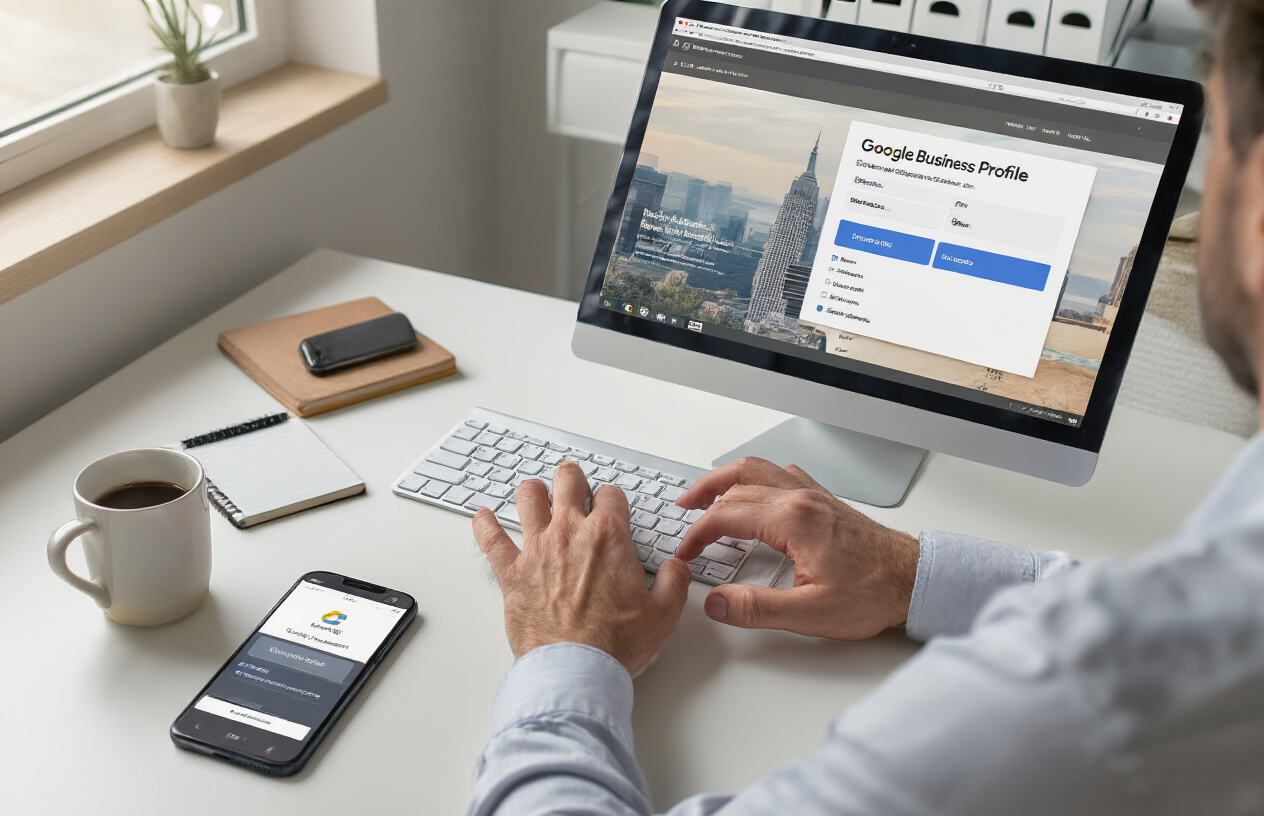
Getting your Google Business Profile verified is the first critical step in establishing your online presence. Without verification, your profile won’t appear in local search results or Google Maps, making it invisible to potential customers searching for your services.
Start by visiting the Google Business Profile manager and searching for your business. If it already exists, you can claim it. If not, you’ll need to create a new listing. Google offers several verification methods including postcard verification (the most common), phone verification for eligible businesses, email verification, or instant verification for some locations.
The postcard method typically takes 1-2 weeks, so be patient. Once you receive the postcard with your verification code, enter it promptly to activate your profile. Some businesses qualify for instant verification if Google can confirm your business through other sources like your website or existing Google services.
Complete Essential Business Information Fields
Your Google Business Profile acts as a digital storefront, so every field matters for both customer experience and search visibility. The business name should match exactly what appears on your storefront and official documents. Consistency across all platforms helps Google understand and trust your business information.
Your business address needs to be precise and match your actual location. For service area businesses, you can hide your address and instead show the areas you serve. The phone number should be a local number that connects directly to your business, not a call center or third-party service.
Business hours deserve special attention since they directly impact customer visits. Include all regular hours, holiday hours, and special hours for different seasons. Many businesses lose customers simply because their hours are outdated or missing.
Your business description should be compelling yet informative, incorporating relevant keywords naturally while explaining what makes your business unique. This field helps both customers and Google understand what you offer.
Select Accurate Business Categories
Choosing the right categories significantly impacts where and when your business appears in search results. Your primary category should be the most specific option that accurately describes your main business activity. Google uses this information to determine which searches trigger your profile.
Start with your primary category – this carries the most weight for ranking factors. Then add secondary categories that represent other services or aspects of your business. For example, a restaurant might choose “Italian Restaurant” as primary and add “Pizza Delivery” and “Wine Bar” as secondary categories.
Avoid the temptation to choose overly broad categories just to appear in more searches. Being specific actually helps you rank better for relevant queries and attracts more qualified customers who are looking for exactly what you offer.
Research what categories your competitors use, but don’t copy them blindly. Your categories should reflect your actual business focus, not your wishful thinking about what you’d like to be known for.
Upload High-Quality Photos and Videos
Visual content makes your business profile come alive and significantly influences customer decisions. Google reports that businesses with photos receive 42% more requests for directions and 35% more clicks to their websites compared to those without.
Your cover photo should showcase your business at its best – whether that’s your storefront, best-selling product, or team in action. This image appears prominently in search results and sets the first impression for potential customers.
Include interior and exterior shots that give customers a real sense of your space and atmosphere. Menu photos work great for restaurants, while service businesses should show their team at work. Product photos should be well-lit and show items clearly.
Videos can set you apart from competitors who only use static images. Short clips showing your team, products being made, or your space can create stronger connections with potential customers. Keep videos under 30 seconds for best engagement.
Regular photo updates signal to Google that your business is active and current. Aim to add new photos monthly, especially during seasonal changes or after renovations. Customer-submitted photos also boost engagement, so encourage happy customers to share their experiences visually.
Master the Publishing Process for Maximum Visibility

Create Compelling Business Posts That Drive Engagement
Google Posts are your direct line to customers searching for your business. Think of them as mini-advertisements that appear right in your Google Business Profile. These posts can showcase special offers, new products, events, or updates that keep your audience engaged and informed.
Start by choosing the right post type for your message. Product posts work great for highlighting specific items with photos and prices. Event posts help promote upcoming activities with dates and times. Offer posts create urgency with limited-time deals. News posts keep customers updated on business changes or achievements.
Your post content should grab attention immediately. Use high-quality images that represent your brand well. Write clear, action-oriented headlines that tell people exactly what they’ll get. Include relevant details like pricing, dates, or special instructions. Always end with a strong call-to-action that tells people what to do next.
Keep posts concise but informative. Most people scan quickly, so make your key points easy to spot. Use bullet points or short paragraphs to break up text. Include keywords naturally that customers might search for when looking for your services.
Schedule Regular Updates to Maintain Fresh Content
Consistency beats perfection when it comes to Google Posts. Regular posting signals to Google that your business is active and engaged with customers. This activity can positively impact your local search rankings and visibility.
Create a posting schedule that you can actually maintain. Weekly posts work better than daily posts that you’ll eventually skip. Plan your content around your business calendar – promote seasonal services, holiday hours, or upcoming events well in advance.
Batch your content creation to save time. Spend one session each month creating several posts, then schedule them throughout the weeks ahead. This approach helps you maintain consistency even during busy periods.
Track which types of posts get the most engagement. Pay attention to clicks, views, and customer actions. Use this data to refine your content strategy and focus on what resonates with your audience.
Leverage Google Posts Features for Better Reach
Google Posts offer several features that can amplify your message and improve customer engagement. The photo carousel lets you showcase multiple images in one post, perfect for highlighting different aspects of your business or showing before-and-after shots.
Use the event feature strategically for workshops, sales events, or special promotions. These posts often get additional visibility in local search results when people look for things to do in your area.
Take advantage of the offer post format for promotions and discounts. These posts can include coupon codes, expiration dates, and terms that create urgency and drive immediate action.
Location tagging helps when you serve multiple areas or have special events at different venues. This feature connects your posts to specific geographic searches, expanding your reach to customers in those areas.
The insights feature shows you exactly how your posts perform. Check these metrics regularly to understand which content types, posting times, and topics generate the most customer interest and engagement.
Optimize Your Profile to Answer Common Customer Questions
Craft Detailed Business Descriptions Using Target Keywords
Your business description serves as the first impression customers get when they discover your Google Business Profile. Think of it as your elevator pitch – you have roughly 750 characters to capture what makes your business special and why customers should choose you over competitors.
Start by identifying the main keywords your customers use when searching for your services. If you run a pizza restaurant, include terms like “wood-fired pizza,” “family-friendly dining,” or “late-night delivery.” Weave these naturally into your description without stuffing them awkwardly.
Focus on what sets you apart. Maybe you’re the only 24-hour pharmacy in your neighborhood, or perhaps you specialize in eco-friendly cleaning services. Include your location, hours, and unique selling points. For example: “Family-owned Italian restaurant serving authentic wood-fired pizzas and homemade pasta since 1985. Located in downtown Springfield, we offer dine-in, takeout, and delivery until midnight daily.”
Don’t forget to mention any certifications, awards, or special features like wheelchair accessibility, free parking, or Wi-Fi. These details help customers understand exactly what to expect.
Add Comprehensive Services and Product Listings
Google Business Profile allows you to showcase specific services and products, making it easier for customers to find exactly what they’re looking for. This feature acts like mini landing pages for different aspects of your business.
Break down your offerings into specific categories. Instead of just listing “automotive services,” create separate entries for oil changes, brake repair, tire installation, and engine diagnostics. Each service can include its own description, pricing, and even photos.
For retail businesses, add individual products with high-quality images, prices, and detailed descriptions. This helps your business appear in product-specific searches and gives customers a preview of what you offer before they visit.
Include pricing information when possible – customers appreciate transparency. You can list exact prices or ranges like “$50-$100” to give people realistic expectations. Don’t worry about updating prices constantly; approximate ranges work well for most businesses.
Include Frequently Asked Questions Section
The FAQ section addresses customer concerns before they even contact you, saving time for both you and your customers. This feature helps your profile answer common queries directly in search results.
Start by reviewing the questions you receive most often through phone calls, emails, or in-person visits. Common categories include pricing, hours, parking, payment methods, and specific policies. For restaurants, customers often ask about dietary restrictions, reservations, and wait times.
Write clear, concise answers that provide real value. Instead of “Yes, we accept credit cards,” try “We accept all major credit cards, cash, and contactless payments including Apple Pay and Google Pay.” This level of detail helps customers feel more confident about visiting.
Update your FAQs regularly based on seasonal changes or new offerings. During holiday seasons, add questions about special hours or holiday menus. Keep answers current to maintain accuracy and customer trust.
Update Business Hours and Holiday Schedules
Accurate hours prevent frustrated customers from showing up when you’re closed. Google heavily weights this information in local search results, so keeping it current affects your visibility.
Set up regular hours for each day of the week, including any mid-day breaks or split shifts. Many businesses forget to update hours during seasonal changes – restaurants might extend summer patio hours, or retail stores might add Sunday hours during busy seasons.
Holiday hours deserve special attention. Create special hours for major holidays at least two weeks in advance. Include both days you’re closed and modified hours. For example, if you close early on Christmas Eve, set those specific hours rather than marking the day as closed.
Use the “More Hours” feature to specify different hours for services like pickup, delivery, or phone support. A restaurant might offer dine-in until 10 PM but delivery until midnight – showing both sets of hours helps customers understand their options.
Respond to Customer Reviews Professionally
Review responses show potential customers how you handle both praise and criticism. Every response is a public conversation that influences how people perceive your business.
Thank customers for positive reviews, but avoid generic responses like “Thanks for the review!” Instead, mention something specific they enjoyed: “Thanks for noting how quickly Sarah helped you find the perfect paint color – I’ll make sure to share your kind words with her.”
Address negative reviews promptly and professionally. Acknowledge the issue, apologize when appropriate, and offer to make things right. Avoid getting defensive or argumentative – focus on solutions. “I’m sorry your wait was longer than expected. We’re implementing a new system to reduce wait times, and I’d love to invite you back to experience the improvement.”
Keep responses brief but personal. Most customers read review responses, and they want to see a business owner who cares about customer experience. Your tone should match your brand – professional for law firms, friendly and casual for coffee shops.
Follow up on resolved issues when possible. If a customer updates their review after you’ve addressed their concern, thank them for giving you another chance. This shows other potential customers that you genuinely care about improvement.
Monitor and Improve Your Profile Performance

Track Key Metrics and Customer Interactions
Your google business profile provides valuable analytics that reveal how customers find and interact with your business. Start by checking your profile’s insights weekly to spot trends in customer behavior. Pay attention to how people discover your business – whether through direct searches, discovery searches, or branded queries.
Watch for patterns in customer actions like website clicks, direction requests, and phone calls. These metrics help you understand what information customers need most. If you notice high direction requests but few phone calls, customers might prefer visiting in person rather than calling ahead.
Review customer photos and posts about your business regularly. These interactions show what aspects of your business customers value most and can guide your content strategy. Track which posts generate the most engagement to understand what resonates with your audience.
Analyze Search Query Data for Content Opportunities
Search query data reveals exactly what customers want to know about your business. Google Business Profile insights show the specific terms people use to find you, creating perfect opportunities for your google business profile faq section.
Look for common questions appearing in search queries like “hours,” “parking,” “services,” or “pricing.” These searches indicate gaps where adding FAQs could help customers find answers faster. Transform these queries into comprehensive FAQ content that addresses customer needs directly.
Notice seasonal patterns in search behavior. Restaurant searches might spike for “outdoor seating” in summer or “takeout options” during busy periods. Retail businesses might see queries about “gift cards” during holidays. Timing your FAQ updates to match these patterns improves relevance.
Create a spreadsheet tracking recurring search terms and questions. This data becomes your content roadmap, showing which google business profile faqs will have the biggest impact on customer experience.
Update Information Based on Customer Feedback
Customer reviews and messages contain goldmines of information about what needs updating on your profile. Read reviews carefully to identify recurring questions or confusion about your business details.
When customers mention outdated hours, unclear policies, or missing information in reviews, use this feedback to improve your google business profile setup. Address these issues by adding relevant FAQs or updating basic information sections.
Response to reviews provides another opportunity to gather insights. Notice which topics generate follow-up questions in your responses. These conversations often reveal perfect FAQ topics that other customers probably wonder about too.
Set up alerts for new reviews so you can quickly identify emerging patterns. If multiple customers ask about wifi availability, parking validation, or specific services, add these details to your profile immediately.
Test Different Content Types for Better Results
Different content formats work better for different types of information. Experiment with various approaches to find what works best for your audience and business type.
Try posting photos that answer common questions visually. Before-and-after shots, menu items, service demonstrations, or facility tours can answer questions more effectively than text alone. These visual FAQs often get more engagement than written posts.
Test different posting schedules and content themes. Some businesses see better results posting daily updates, while others find weekly comprehensive posts work better. Track engagement rates for different approaches using your profile insights.
Create polls and questions in your posts to encourage customer interaction. This engagement signals Google that your profile provides valuable, current information, which can improve your local search rankings.
Experiment with video content for complex explanations. Short videos showing processes, directions to your location, or service demonstrations can address multiple customer questions at once while keeping visitors engaged longer on your profile.
Monitor which content types generate the most customer actions – calls, website visits, or direction requests. Focus your efforts on formats that drive the specific customer behaviors most valuable to your business goals.
Getting your Google Business Profile set up right makes a real difference in how customers find and connect with your business. The key steps are pretty straightforward: create a complete profile with accurate information, publish updates regularly to stay visible, and make sure your content addresses the questions your customers actually ask. When you optimize your profile to answer common queries, you’re basically giving Google exactly what it needs to show your business to the right people at the right time.
Don’t just set it and forget it though. Keep an eye on how your profile performs and make adjustments based on what you learn. Check your insights regularly, respond to reviews, and update your information whenever something changes. Your Google Business Profile is like your digital storefront – the more attention you give it, the better it works for bringing in new customers and keeping existing ones happy.
FAQs
What is a Google Business Profile and why do I need one?
A Google Business Profile is a free tool that lets you manage how your business appears on Google Search and Maps. When people search for businesses like yours in your area, having a profile helps you show up in local search results. Think of it as your business card on Google – it displays your address, phone number, hours, photos, and customer reviews all in one place.
How do I create a Google Business Profile for my business?
Go to business.google.com and click “Manage now.” You’ll need to sign in with a Google account, then search for your business to see if it already exists. If not, you can add it by entering your business name, category, and location. Google will then verify your business, usually by sending a postcard to your address with a verification code that you’ll need to enter online.
How long does it take for my Google Business Profile to go live?
After you complete the setup, your profile usually appears within a few days. However, the verification process can take 1-2 weeks since Google typically sends a verification postcard by mail. Some businesses can verify instantly through phone or email, but postal verification is the most common method.
What information should I include in my business profile?
Fill out every section completely: business name, address, phone number, website, hours of operation, business category, and description. Add high-quality photos of your storefront, products, or services. Include your service areas if you’re a service-based business. The more complete your profile, the better it performs in search results.
How can I get more customer reviews on my Google Business Profile?
Simply ask your happy customers to leave reviews. You can do this in person, through follow-up emails, or by sharing your Google review link. Make it easy by providing the direct link to your review section. Always respond to reviews professionally – both positive and negative ones – as this shows you care about customer feedback.
What should I do about negative reviews on my profile?
Respond quickly and professionally to negative reviews. Acknowledge the customer’s concern, apologize if appropriate, and offer to resolve the issue offline. Don’t get defensive or argue publicly. Many potential customers actually appreciate seeing how well you handle complaints. You can also flag reviews that violate Google’s policies.
How often should I update my Google Business Profile?
Check your profile at least once a week. Update your hours immediately if they change, especially during holidays. Add new photos regularly – aim for at least one new photo per month. Post updates about special offers, events, or news about your business. Regular activity signals to Google that your business is active and current.
Can I add posts and updates to my Google Business Profile?
Yes, you can create posts directly on your profile. These can include offers, events, product highlights, or general updates about your business. Posts stay visible for seven days (or until the event date passes), so keep adding fresh content. Posts help keep your profile active and give potential customers more reasons to choose your business.
How do I track how well my Google Business Profile is performing?
Google provides free insights showing how customers find your business, what actions they take (like visiting your website or calling), and how your photos perform. You can see these stats by logging into your Google Business Profile and clicking on “Insights.” This data helps you understand what’s working and what needs improvement.
What are common mistakes that hurt my Google Business Profile ranking?
The biggest mistakes include incomplete information, inconsistent business details across the web, not responding to reviews, using low-quality photos, and neglecting to keep hours updated. Also avoid keyword stuffing in your business name or description. Focus on accuracy, completeness, and regular engagement rather than trying to game the system.