
Edubin WordPress Theme Education LMS Theme
Building an educational website has never been easier with the Edubin WordPress theme. Whether you’re creating an online learning platform, university website, or training center portal, this Edubin education WordPress theme offers everything you need to create a professional and functional educational website.
Edubin Theme For WordPress
Get the Premium Edubin Theme
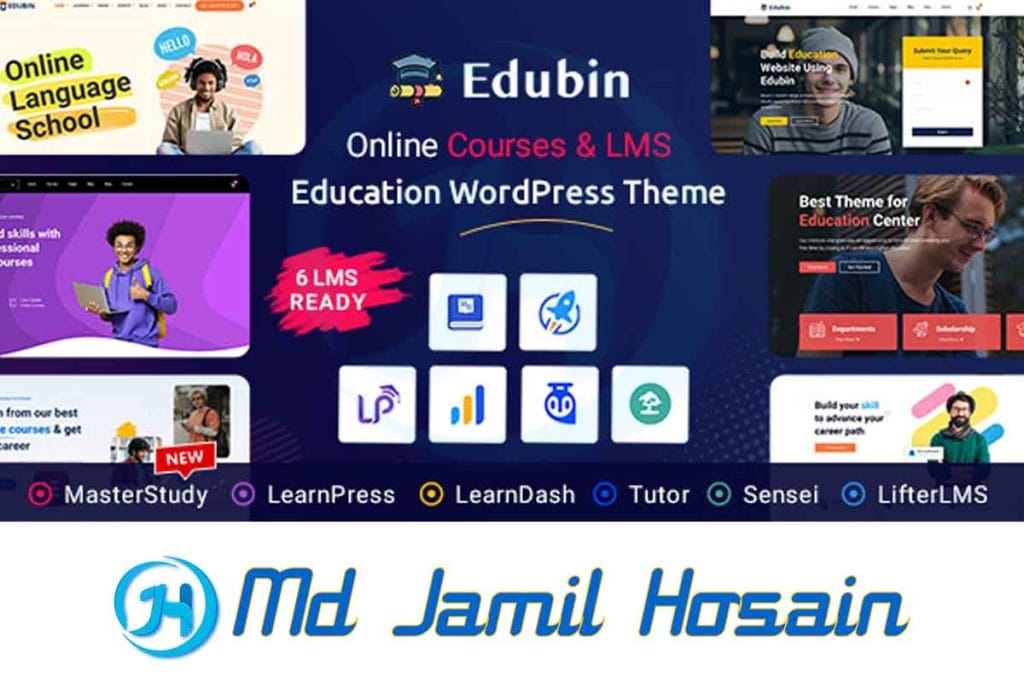
What is Edubin WordPress Theme?
The Edubin WordPress theme is a comprehensive educational website solution designed specifically for schools, universities, online course providers, and educational institutions. This versatile theme combines modern design with powerful functionality to help educators and institutions create engaging online learning experiences.
The WordPress theme edubin stands out in the crowded market of educational themes because it focuses on user experience, mobile responsiveness, and seamless integration with popular learning management systems. It’s built with clean code and follows WordPress best practices, making it both developer-friendly and user-friendly.
Core Purpose and Target Audience
The edubin theme serves various educational needs:
- Online course creators who want to sell courses
- Universities and colleges need official websites
- Training centers offering certification programs
- Individual educators building personal brands
- Educational consultants showcasing services
The theme’s flexibility means it works equally well for a small tutoring business or a large educational institution with thousands of students.
Key Features of Edubin Education WordPress Theme
The edubin education WordPress theme comes packed with features that make it the best education WordPress theme available today. Let’s explore what makes this theme special:
Learning Management System Integration
One of the strongest points of the Edubin education LMS WordPress theme is its seamless integration with popular LMS plugins:
- LearnDash compatibility for comprehensive course creation
- Tutor LMS support for advanced learning features
- LifterLMS integration for membership sites
- LearnPress compatibility for free LMS solutions
Design and Layout Options
The edubin – education WordPress theme offers multiple homepage layouts and design variations:
- Modern and clean design aesthetics
- Multiple header styles to match your brand
- Customizable color schemes for brand consistency
- Typography options for better readability
- Responsive design that works on all devices
Student and Instructor Dashboards
The theme includes dedicated dashboard areas:
- Student profiles with progress tracking
- Instructor panels for course management
- Course browsing with filtering options
- Assignment submission systems
- Grade tracking and reporting features
E-commerce Integration
For those looking to monetize their educational content:
- WooCommerce compatibility for course sales
- Multiple payment gateways support
- Subscription management for recurring payments
- Coupon and discount systems
- Detailed sales reporting
Edubin WordPress Theme Free Download Options
Many people search for the Edubin WordPress theme free download options. While the full version requires purchase, there are several ways to access the theme:
Official Free Version
The developers offer a limited free version that includes:
- Basic homepage layout
- Standard customization options
- Mobile responsiveness
- Basic documentation support
Where to Find Edubin WordPress Theme Free
You can find the Edubin WordPress theme free versions through:
- WordPress.org repository – Official free version
- Theme developer’s website – Trial versions
- WordPress theme directories – Basic versions
Edubin WordPress Theme GitHub
For developers interested in the code structure, the edubin WordPress theme GitHub repositories may be available for:
- Code inspection
- Custom development
- Bug reporting
- Community contributions
However, always ensure you’re downloading from official sources to avoid security issues or outdated versions.
What’s Included in Free vs Premium
| Feature | Free Version | Premium Version |
| Basic Layouts | ✓ | ✓ |
| LMS Integration | Limited | Full |
| Customization | Basic | Advanced |
| Support | Community | Priority |
| Updates | Manual | Automatic |
| Demos | 1-2 | 10+ |
Why Edubin is the Best Education WordPress Theme
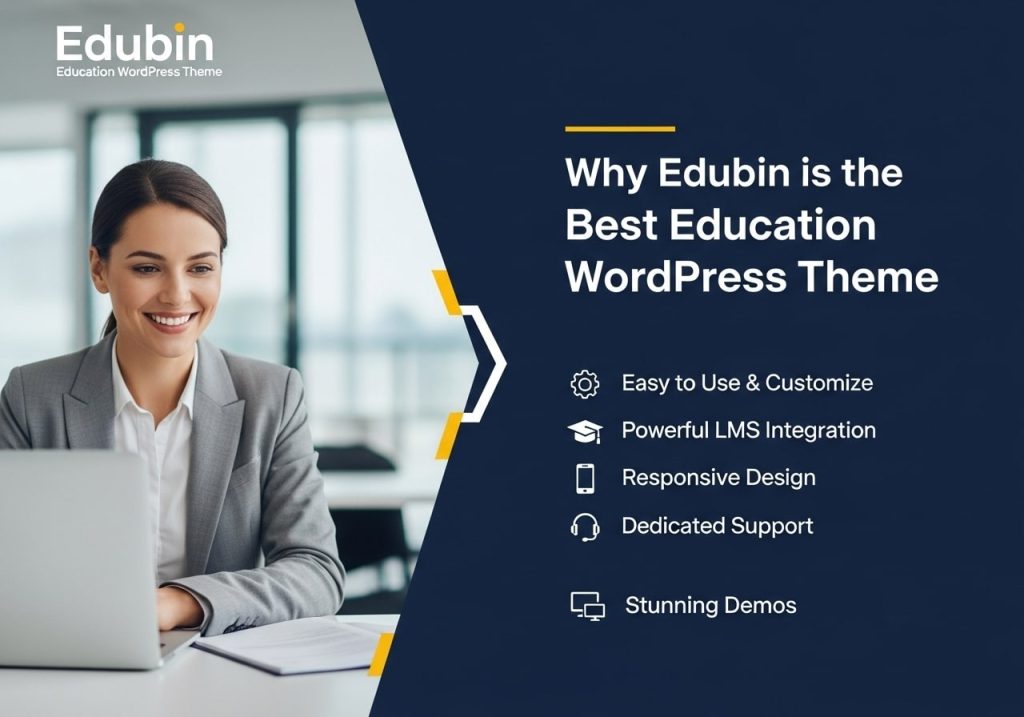
The edubin best education WordPress theme title isn’t just marketing speak. Here’s why it deserves this recognition:
Superior Performance
The edubin – education LMS WordPress theme is optimized for speed:
- Clean, efficient code that loads quickly
- Optimized images and media handling
- Caching compatibility with popular plugins
- CDN support for global performance
- Mobile optimization for better user experience
Comprehensive Documentation
The edubin theme documentation is extensive and helpful:
- Step-by-step setup guides for beginners
- Customization tutorials for advanced users
- Video walkthroughs for visual learners
- FAQ sections covering common questions
- Regular updates with new information
Active Community Support
Users of the education WordPress theme benefit from:
- Active user forums
- Regular theme updates
- Responsive customer support
- Community-contributed resources
- Regular webinars and tutorials
Flexibility and Customization
The theme adapts to various educational needs:
- Multiple industry applications from K-12 to corporate training
- Customizable layouts for unique requirements
- Plugin compatibility with educational tools
- Translation ready for international use
- RTL language support for global accessibility
Setting Up Edubin Education LMS WordPress Theme
Once you’ve obtained your edubin WordPress theme download, setting it up is straightforward. Here’s a comprehensive guide:
Pre-Installation Requirements
Before installing the Edubin Education WordPress theme, ensure you have:
- WordPress 5.0 or higher is installed
- PHP 7.4 or higher on your server
- MySQL 5.6 or higher database
- Sufficient server resources for optimal performance
- FTP access to your website (if needed)
Step-by-Step Installation Process
Method 1: WordPress Admin Installation
- Log in to the WordPress Admin dashboard
- Navigate to Appearance > Themes
- Click the “Add New” button
- Upload theme file (ZIP format)
- Click “Install Now”
- Activate the theme
Method 2: FTP Installation
- Extract theme files from ZIP
- Connect via FTP to your server
- Upload to /wp-content/themes/ directory
- Log in to WordPress admin
- Activate from the Themes page
Initial Theme Setup
After activation, you’ll need to:
Import Demo Content
- Access the theme options panel
- Choose demo content that matches your needs
- Import demo data (this may take several minutes)
- Review imported content and customize as needed
Configure Basic Settings
- Set up menus for navigation
- Configure widgets for sidebars
- Customize colors to match your brand
- Upload your logo and favicon
- Set up contact information
Install Required Plugins
The edubin theme may recommend several plugins:
- Elementor for page building
- Contact Form 7 for forms
- Yoast SEO for optimization
- WooCommerce for e-commerce
- Your chosen LMS plugin
Essential Configuration Steps
Homepage Setup
- Create a static homepage or use the blog
- Configure homepage sections using the customizer
- Add your hero content and calls-to-action
- Set up featured courses or programs
- Test mobile responsiveness
Course Management Setup
If using LMS functionality:
- Configure your LMS plugin settings
- Create course categories and tags
- Set up instructor roles and permissions
- Configure payment settings if selling courses
- Test the enrollment process
Navigation and Menus
- Create primary navigation menu
- Add footer menus if needed
- Configure mobile menu settings
- Test all menu links and functionality
- Optimize menu structure for user experience
Edubin Theme Documentation and Resources
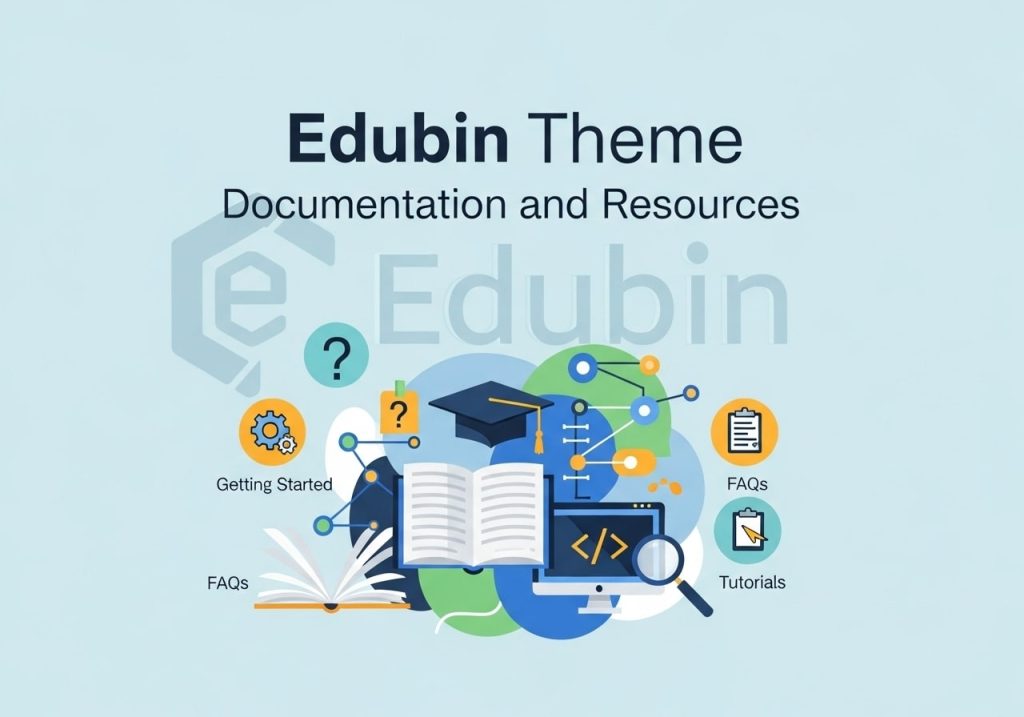
The edubin documentation is comprehensive and regularly updated. Here’s what you’ll find:
Getting Started Guides
The documentation includes:
- Quick start tutorials for immediate setup
- Detailed installation guides with screenshots
- Configuration walkthroughs for all features
- Best practices for optimal performance
- Troubleshooting guides for common issues
Advanced Customization
For users wanting to go beyond basic setup:
Child Theme Development
- Creating child themes to preserve customizations
- Custom CSS integration methods
- PHP customization guidelines
- Hook and filter usage examples
- Template override instructions
Custom Post Types
The theme supports various custom post types:
- Courses with detailed information
- Instructors with profile pages
- Events for educational activities
- Testimonials for social proof
- Portfolio for showcasing work
Video Tutorials
Many users prefer visual learning:
- Set up and installation videos
- Customization tutorials for specific features
- Plugin integration demonstrations
- Troubleshooting video guides
- Best practices webinars
Community Resources
Beyond official documentation:
- User forums for peer support
- Facebook groups for community discussion
- YouTube channels with tutorials
- Blog posts with tips and tricks
- Third-party tutorials and guides
Customization Options and Flexibility
The edubin – education WordPress theme offers extensive customization options:
Theme Customizer Options
Access through Appearance > Customize:
Site Identity
- Upload custom logos
- Set site icons and favicons
- Configure site titles and taglines
- Adjust logo sizing and positioning
Color Schemes
- Primary color selection
- Secondary color options
- Accent colors for highlights
- Custom color combinations
- Dark mode options (if available)
Typography Settings
- Google Fonts integration
- Font size adjustments
- Line height controls
- Font weight options
- Custom font uploads
Layout Options
- Container width settings
- Sidebar positions and configurations
- Header layouts and styles
- Footer arrangements
- Page layouts for different content types
Page Builder Compatibility
The theme works with popular page builders:
Elementor Integration
- Custom Edubin widgets for Elementor
- Pre-designed templates for quick setup
- Course display widgets
- Instructor profile widgets
- Educational forms and elements
Gutenberg Support
- Custom blocks for educational content
- Course management blocks
- Instructor profiles blocks
- Student dashboard elements
- Responsive design controls
Custom CSS and Advanced Options
For developers and advanced users:
- Additional CSS panel in customizer
- Custom JavaScript integration options
- Hook system for modifications
- Filter system for content changes
- Child theme support for major customizations
Compatible Plugins and Integrations
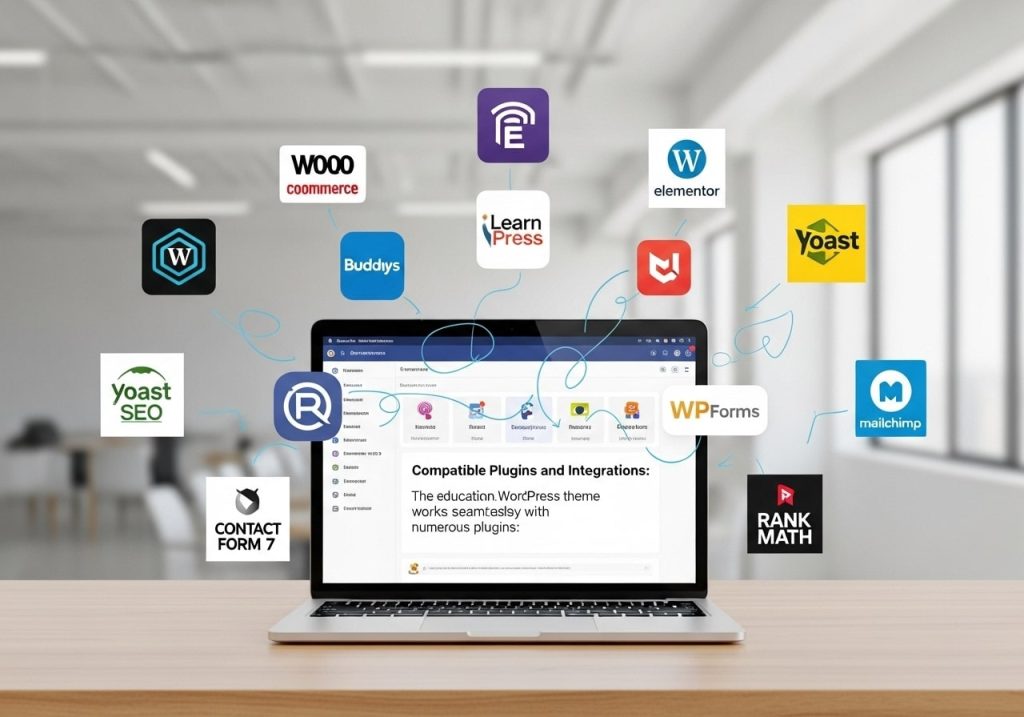
The education WordPress theme works seamlessly with numerous plugins:
Learning Management Systems
LearnDash
- Complete course creation capabilities
- Advanced quiz and assignment systems
- Student progress tracking
- Certification management
- Gamification features
Tutor LMS
- Free and pro versions supported
- Multi-instructor capabilities
- Advanced reporting systems
- Content drip functionality
- Mobile app integration
LifterLMS
- Membership site capabilities
- Advanced e-commerce integration
- Student engagement tools
- Detailed analytics
- Marketing automation features
E-commerce Solutions
WooCommerce
- Course sales functionality
- Subscription management
- Digital product delivery
- Payment gateway integration
- Tax management for different regions
Easy Digital Downloads
- Digital course distribution
- License management
- Discount codes and promotions
- Customer management
- Download protection
Marketing and SEO
Yoast SEO
- On-page optimization
- XML sitemap generation
- Social media integration
- Local SEO features
- Content analysis tools
Mailchimp Integration
- Email list building
- Automated campaigns
- Student engagement emails
- Newsletter management
- Segmentation options
Communication Tools
BuddyPress
- Social learning communities
- Student interaction features
- Group discussions
- Private messaging
- Activity streams
bbPress Forums
- Discussion forums for courses
- Q&A sections
- Community support
- Moderation tools
- User reputation systems
Performance and SEO Benefits
The edubin education LMS WordPress theme is built with performance and SEO in mind:
Speed Optimization
Code Quality
- Clean, efficient HTML5 markup
- Optimized CSS with minimal bloat
- Compressed JavaScript files
- Lazy loading for images
- Browser caching support
Image Optimization
- WebP format support
- Responsive images for different devices
- Optimized thumbnails
- CDN compatibility
- Image compression tools integration
SEO-Friendly Features
Technical SEO
- Schema markup for courses and instructors
- Structured data for better search results
- Fast loading times for better rankings
- Mobile-first indexing ready
- Clean URL structures
Content Optimization
- Proper heading hierarchy (H1, H2, H3, etc.)
- Meta tag optimization
- Alt text support for images
- Internal linking opportunities
- Content-focused design
Mobile Optimization
The theme ensures excellent mobile performance:
- Responsive design across all devices
- Touch-friendly navigation
- Fast mobile loading times
- Mobile-specific optimizations
- Progressive Web App-ready features
Troubleshooting Common Issues
Even with the best education WordPress theme, you might encounter issues. Here are common problems and solutions:
Installation Issues
Theme Won’t Upload
Problem: File size too large or server limitations
Solutions:
- Increase PHP upload limits
- Use the FTP installation method
- Contact the hosting provider
- Check file format (should be ZIP)
Theme Doesn’t Activate
Problem: Compatibility or server issues
Solutions:
- Check WordPress version compatibility
- Verify PHP version requirements
- Disable conflicting plugins
- Check error logs for specific issues
Display Problems
Layout Looks Broken
Problem: CSS conflicts or missing files
Solutions:
- Clear browser cache
- Deactivate conflicting plugins
- Check if the child theme is properly configured
- Re-upload theme files
Mobile Display Issues
Problem: Responsive design is not working
Solutions:
- Clear caching plugins
- Check custom CSS modifications
- Test with the default WordPress theme
- Update to the latest theme version
Plugin Conflicts
LMS Plugin Not Working
Problem: Compatibility issues with the learning management system
Solutions:
- Update both the theme and the plugin
- Check plugin settings
- Review theme documentation
- Contact support for specific integration help
Page Builder Issues
Problem: Elementor or other builders are not functioning
Solutions:
- Update the page builder plugin
- Check for theme-specific widgets
- Clear page builder cache
- Regenerate CSS files
Performance Issues
Slow Loading Times
Problem: Website performance below expectations
Solutions:
- Install the caching plugin
- Optimize images
- Use a content delivery network (CDN)
- Check hosting performance
- Remove unused plugins
Database Errors
Problem: Course or student data not displaying
Solutions:
- Backup database before changes
- Check database table integrity
- Update MySQL version if needed
- Contact hosting support
Alternatives to Consider
While the edubin WordPress theme is excellent, here are some alternatives:
Education Pro
- Genesis framework-based
- Mobile responsive design
- WooCommerce ready
- Custom widgets included
- Regular updates and support
WPLMS
- Complete LMS solution
- Social learning features
- Mobile app available
- Advanced reporting
- Multi-instructor support
Education Zone
- Free WordPress theme
- Basic LMS compatibility
- Simple customization
- Limited features
- Community support only
MasterStudy
- Comprehensive education theme
- Multiple LMS plugin support
- Advanced customization
- Regular updates
- Premium support included
When choosing between these options, consider:
- Budget constraints and pricing models
- Feature requirements for your specific needs
- Technical expertise level
- Support requirements
- Long-term maintenance needs
Final Thoughts
The Edubin WordPress theme represents an excellent choice for anyone serious about creating a professional educational website. Whether you’re looking for an Edubin WordPress theme free download option or are ready to invest in the premium version, this theme offers the flexibility and functionality needed for modern educational platforms.
The combination of edubin education wordpress theme features, comprehensive edubin theme documentation, and strong community support makes it a reliable choice for educators, institutions, and educational entrepreneurs. The theme’s compatibility with popular LMS plugins and e-commerce solutions means you can start simple and scale as your educational platform grows.
Remember that the success of your educational website depends not just on the theme choice, but also on your content quality, user engagement strategies, and ongoing maintenance efforts. The edubin – education WordPress theme provides the solid foundation you need, but your creativity and dedication will determine the ultimate success of your educational platform.
Take advantage of the available resources, including documentation, community forums, and support channels, to make the most of your WordPress theme edubin investment. With proper setup and ongoing optimization, you’ll have a powerful platform for delivering exceptional educational experiences to your students and users.