
Why the Creote WordPress Theme is Perfect for Your Consulting Business
Finding the right WordPress theme for your consulting or corporate business can feel overwhelming. The Creote WordPress theme stands out as one of the most popular choices for professionals who want a clean, modern website without spending months learning how to code. Whether you’re a business consultant, financial advisor, or corporate service provider, this Creote consulting business WordPress theme offers everything you need to create a professional online presence.
Creote Theme For WordPress
Get the Premium Creote Theme
What is the Creote WordPress Theme?
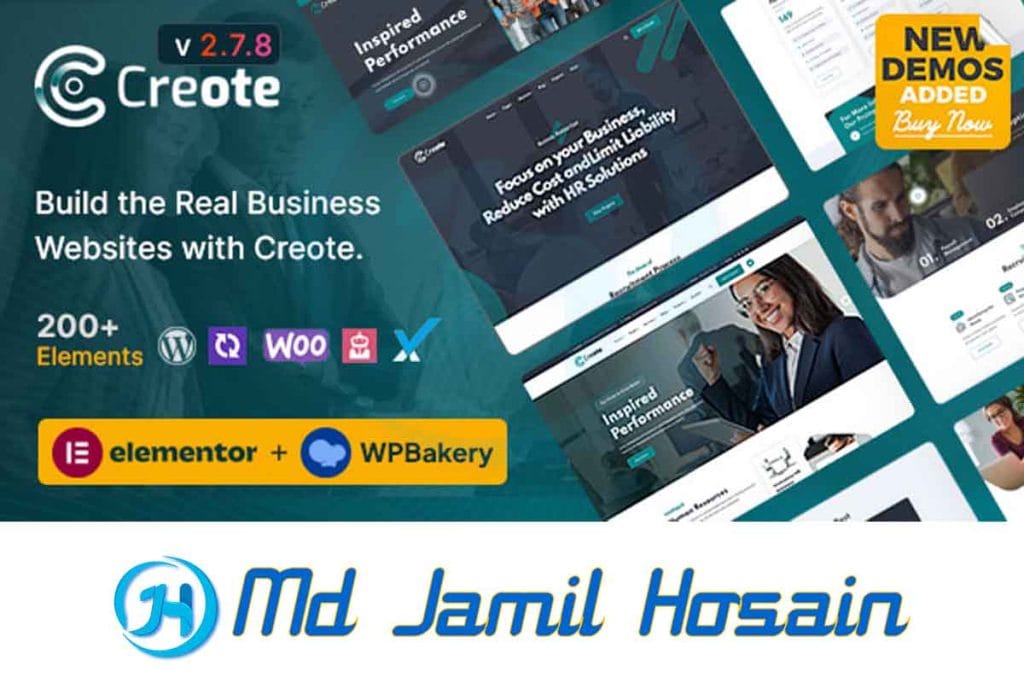
The Creote corporate & consulting business WordPress theme is a premium theme designed specifically for business professionals, consultants, and corporate companies. Unlike trying to create a WordPress theme from scratch, Creote provides a ready-made solution that looks professional right out of the box.
This theme comes with multiple demo layouts, making it easy to find a design that matches your business style. You don’t need to create a WordPress theme online or hire expensive developers when Creote already includes everything most consulting businesses need.
Target Audience for Creote Theme
- Business consultants
- Financial advisors
- Corporate companies
- Marketing agencies
- Professional service providers
- Freelance consultants
- Business coaches
Key Features of Creote Consulting Business WordPress Theme
1. Multiple Demo Layouts
The Creote WordPress theme includes over 15 pre-built demo websites. Each demo targets different types of consulting businesses, from financial consulting to digital marketing agencies. You can import any demo with just one click, saving weeks of design work.
2. Drag-and-Drop Page Builder
Instead of learning how to create a custom theme in WordPress from scratch, Creote includes a powerful page builder. You can easily modify layouts, add new sections, and customize colors without touching any code.
3. Responsive Design
Every layout in the Creote consulting business WordPress theme works perfectly on mobile devices, tablets, and desktop computers. This is crucial since many potential clients will visit your website from their phones.
4. Professional Templates
The theme includes templates for:
- About pages
- Service pages
- Team member profiles
- Portfolio showcases
- Contact forms
- Blog layouts
- Testimonial sections
5. SEO Optimization
Unlike themes you might find when trying to create a WordPress theme for free, Creote is built with search engine optimization in mind. The code is clean, fast-loading, and follows Google’s best practices.
Why Choose Creote Corporate & Consulting Business WordPress Theme
Time-Saving Benefits
Building a website from scratch or learning how to create a WordPress theme with Elementor can take months. With Creote, you can have a professional website running in just a few hours. This means you can focus on your actual business instead of wrestling with website code.
Cost-Effective Solution
Hiring a developer to create a WordPress theme for themeforest quality can cost thousands of dollars. The Creote theme provides the same professional results for a fraction of the cost.
Professional Appearance
First impressions matter in consulting businesses. The Creote WordPress theme ensures your website looks as professional as the services you provide. Clean layouts, professional fonts, and strategic color schemes help build trust with potential clients.
Easy Content Management
You don’t need technical skills to update your content. Adding new blog posts, updating service descriptions, or changing contact information is simple with Creote’s user-friendly interface.
How to Customize the Creote WordPress Theme
Basic Customization Options
Color Schemes
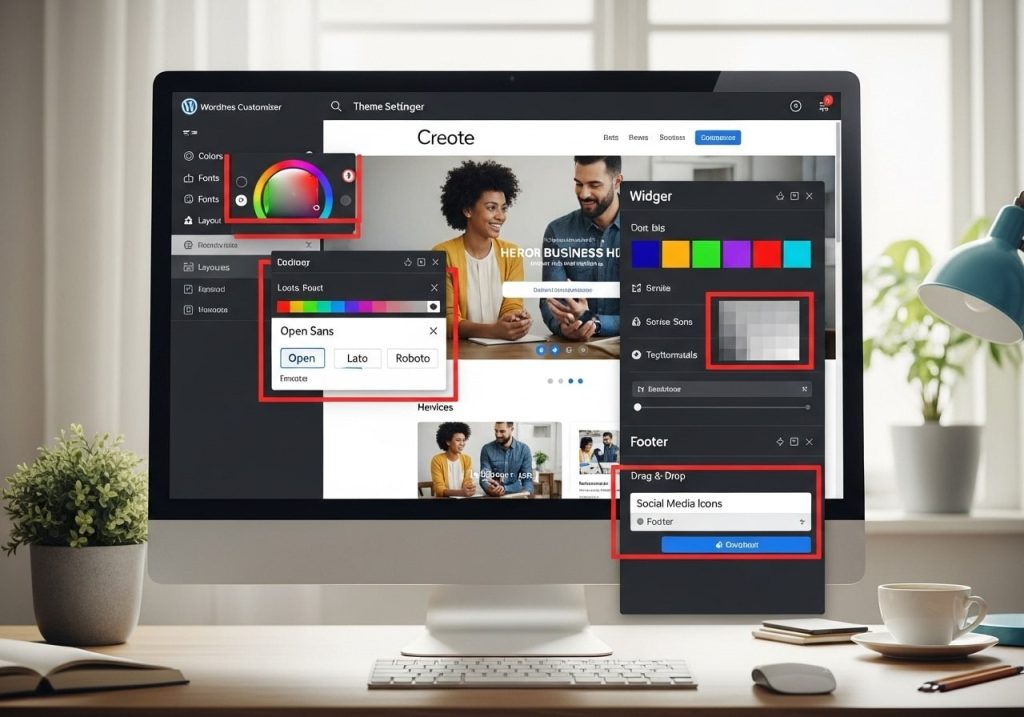
The theme includes multiple color options that you can change with just a few clicks. You can match your brand colors without needing to create a WordPress template for a custom post type or modify code files.
Typography Settings
Choose from dozens of professional fonts that work well for business websites. The theme ensures your text remains readable across all devices.
Logo and Branding
Easily upload your company logo and customize the header area to match your brand identity.
Advanced Customization
Custom CSS Options
For users with some technical knowledge, Creote allows custom CSS additions. This gives you more control than most themes you’d find when trying to create a WordPress theme tutorial approach.
Widget Areas
The theme includes multiple widget-ready areas where you can add contact information, social media links, or newsletter signup forms.
Creote vs Creating a WordPress Theme from Scratch
Learning Curve Comparison
Creating from Scratch
- Requires HTML, CSS, and PHP knowledge
- Takes months to learn the basics
- Need to understand WordPress coding standards
- Must handle security and updates manually
Using Creote Theme
- No coding knowledge required
- Professional results in hours, not months
- Regular updates from theme developers
- Built-in security best practices
Cost Analysis
DIY Approach
- Time investment: 200+ hours
- Learning resources: $200-500
- Testing and debugging: 50+ hours
- Ongoing maintenance: 5+ hours monthly
Creote Theme
- One-time cost: Under $100
- Setup time: 2-5 hours
- Maintenance: Automatic updates
- Support included
Using Elementor with Creote Theme
The Creote WordPress theme works seamlessly with Elementor, one of the most popular page builders. This combination gives you the best of both worlds – a professionally designed theme with the flexibility to create a WordPress theme with Elementor customizations.
Elementor Integration Benefits
Drag-and-Drop Editing
Modify any section of your website by simply dragging elements around. No need to learn how to create a WordPress theme from scratch.
Pre-built Widgets
Access hundreds of design elements, including:
- Contact forms
- Pricing tables
- Team member cards
- Testimonial sliders
- Service boxes
- Call-to-action buttons
Template Library
Elementor’s template library works perfectly with Creote, giving you even more design options for your consulting website.
Creating Child Themes for Customization

Even with a premium theme like Creote, it’s important to create a WordPress child theme for any custom modifications. This protects your changes when the theme receives updates.
Why Child Themes Matter
Update Protection
When Creote releases updates, your customizations won’t be lost if you’re using a child theme.
Safe Experimentation
You can test new designs or features without risking your main website.
Easy Rollback
If something goes wrong, you can quickly return to the parent theme.
Creating a Child Theme for Creote
- Create a new folder in your themes directory
- Add a style.css file with proper headers
- Create a functions.php file for custom functions
- Activate the child theme from your WordPress admin
This process is much simpler than trying to create a WordPress block theme from scratch or learning how to create a WordPress Gutenberg theme.
Performance and SEO Benefits
Speed Optimization
The Creote consulting business WordPress theme is built for speed. Fast-loading websites rank better in Google and provide better user experiences for your potential clients.
Optimized Code
Unlike amateur themes or when you create a WordPress theme without coding knowledge, Creote follows WordPress coding standards for optimal performance.
Image Optimization
The theme includes features to automatically optimize images, reducing page load times.
Caching Compatibility
Creote works well with popular caching plugins, further improving website speed.
SEO Features
Clean HTML Structure
Search engines can easily understand your website content, improving your rankings for consulting-related keywords.
Schema Markup
The theme includes structured data that helps Google display rich snippets in search results.
Mobile-First Design
Since Google uses mobile-first indexing, Creote’s responsive design helps your SEO rankings.
Pricing and Support
Theme Cost Breakdown
Regular License
- Single website use
- 6 months of support
- Lifetime updates
- All demo content included
Extended License
- Multiple website use
- 12 months of support
- Priority support queue
- Additional customization options
Support Quality
The Creote team provides comprehensive support, including:
- Installation assistance
- Customization guidance
- Bug fixes and updates
- Documentation and video tutorials
This level of support is impossible to get when you create a WordPress theme for free or use basic themes.
Common Issues and Solutions
Installation Problems
Demo Import Fails
- Increase PHP memory limit
- Check server timeout settings
- Import demos in smaller sections
Theme Not Activating
- Verify WordPress version compatibility
- Ensure proper file permissions
- Check for plugin conflicts
Customization Challenges
Colors Not Changing
- Clear website cache
- Check child theme setup
- Verify customizer settings
Layout Issues
- Update Elementor plugin
- Regenerate CSS files
- Check responsive settings
Performance Issues
Slow Loading Times
- Optimize images before uploading
- Install the caching plugin
- Remove unused plugins
- Use a content delivery network (CDN)
Mobile Display Problems
- Test on multiple devices
- Check responsive breakpoints
- Verify touch-friendly navigation
Advanced Features and Integrations

Third-Party Plugin Compatibility
The Creote corporate & consulting business WordPress theme works well with popular business plugins:
Contact Form 7
Create professional contact forms that match your website design.
WooCommerce
If you plan to sell consulting packages or digital products, Creote includes e-commerce styling.
The theme structure works perfectly with popular SEO plugins for better search rankings.
MailChimp Integration
Build your email list with integrated newsletter signup forms.
Custom Post Types
Unlike basic themes or when you try to create a template for a custom post type yourself, Creote includes several useful custom post types:
- Portfolio items
- Team members
- Testimonials
- Services
- Case studies
These make it easy to organize and display your business content professionally.
Security Features
Regular Updates
The development team regularly updates Creote to address security vulnerabilities.
Clean Code
Professional coding standards reduce security risks compared to amateur themes.
Plugin Compatibility
Works well with security plugins like Wordfence and Sucuri.
Comparison with Other Business Themes
Creote vs Generic Themes
Design Quality
While you might find themes when trying to create a WordPress theme online, most lack the professional polish of Creote’s consulting-focused design.
Industry Focus
Generic themes try to work for everyone but excel for no one. Creote is specifically designed for consulting businesses.
Support Quality
Popular themes like WordPress twenty twenty-three theme have community support, but Creote offers dedicated professional support.
Creote vs Custom Development
Time to Market
Custom development takes months, while Creote gets you online in days.
Cost Comparison
Custom themes cost $5,000-15,000, while Creote provides similar functionality for under $100.
Ongoing Maintenance
Custom themes require ongoing developer support, while Creote includes automatic updates.
Future-Proofing Your Website
WordPress Updates
The Creote team ensures compatibility with new WordPress versions, protecting your investment long-term.
Technology Changes
As web standards evolve, Creote receives updates to maintain compatibility and performance.
Business Growth
The theme scales with your business, supporting everything from solo consultants to large consulting firms.
Conclusion
The Creote WordPress theme offers consulting businesses an excellent balance of professional design, ease of use, and powerful features. Instead of spending months learning how to create a WordPress theme from scratch or paying thousands for custom development, you can have a professional website running quickly and affordably.
Whether you’re a solo consultant or part of a larger firm, this Creote consulting business WordPress theme provides the tools you need to establish a strong online presence. The combination of pre-built demos, drag-and-drop customization, and professional support makes it an ideal choice for busy professionals who want great websites without the technical headaches.
Ready to transform your consulting business with a professional website? Try the Creote corporate & consulting business WordPress theme today and see how quickly you can create an impressive online presence that attracts more clients and grows your business.
[Get Started with Creote Theme →]
Have questions about implementing Creote for your consulting business? Leave a comment below, and our team will help you choose the right approach for your specific needs.